SharePoint document versioning is an essential feature that enables you to track changes made to documents and maintain a record of previous versions. This helps in maintaining transparency, accountability, and consistency while collaborating with team members. In this article, we’ll explore best practices for managing changes and discuss the features available within SharePoint as well as custom developed apps to help you resolve version conflicts.
Version History Manager Web Part
The Version History web part displays all versions of a file.

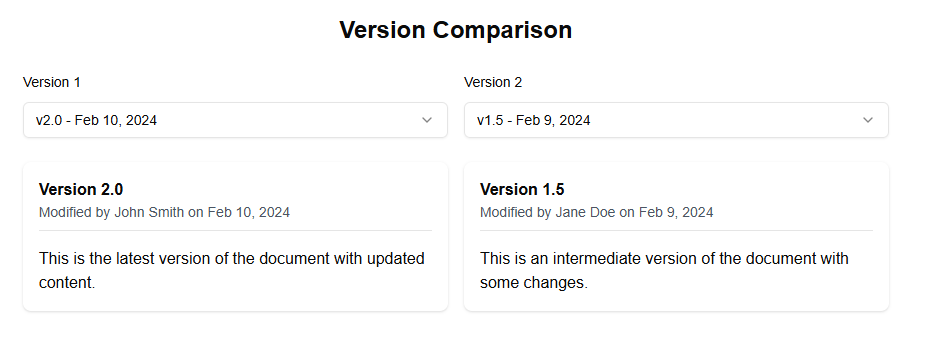
Version Comparison Web Part
The Version Comparison web part allows you to compare two versions of a document.
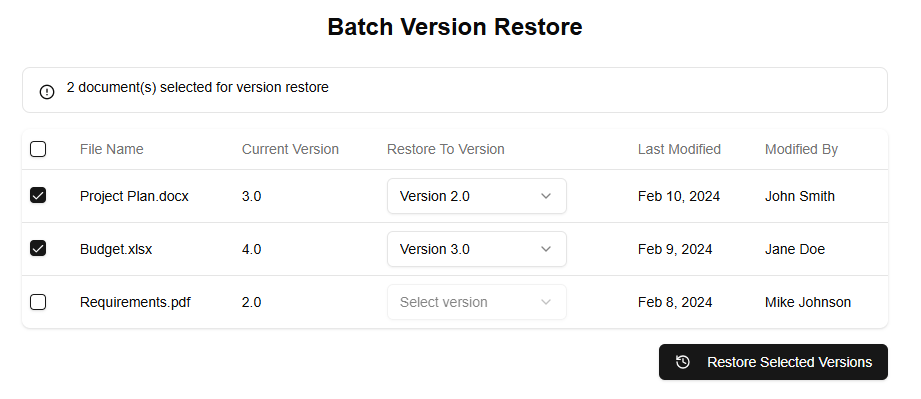
Version Batch Operations Web Part
The Batch Version Restore web part allows you to restore multiple files to previous versions at once.
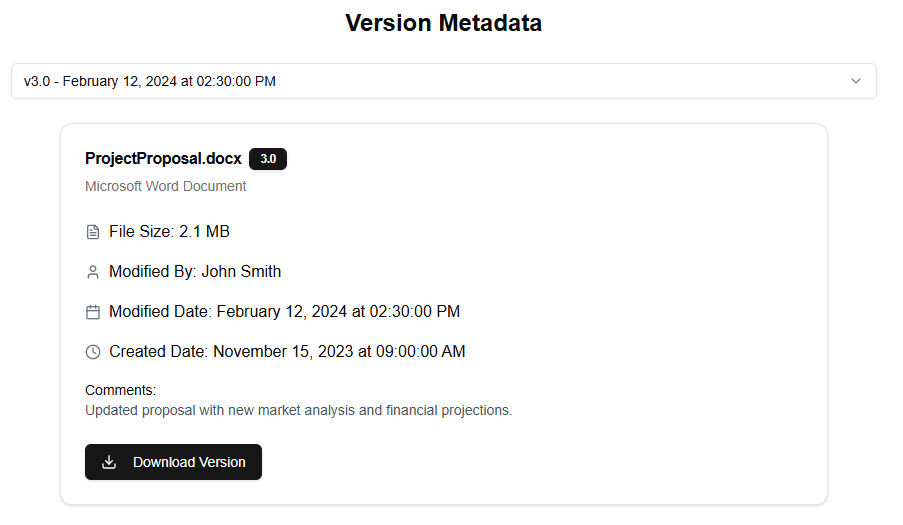
Version Detailed Metadata Web Part
The Version Detailed Metadata web part displays detailed information about a specific version of a file.