PCI DSS compliance is a crucial requirement for organizations that handle credit card information, ensuring the secure storage, transmission, and processing of this sensitive data. When it comes to managing credit card data in SharePoint, there are specific features and best practices to follow for achieving PCI DSS compliance.
These SharePoint Apps to enhance security and governance of data within SharePoint. Then read about PCI DSS best practices, features and tips.


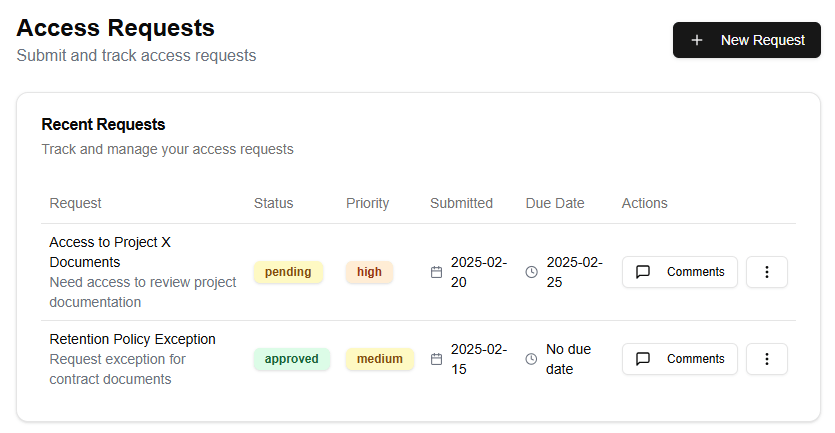

SharePoint provides several features that can help organizations comply with PCI DSS requirements, including:
- Permissions: SharePoint’s permission system allows you to control access to documents and libraries, ensuring that only authorized personnel can view or edit sensitive information.
- Auditing: SharePoint’s auditing feature tracks all changes made to documents and libraries, providing a detailed history of all actions taken on the data.
- Information Rights Management (IRM): IRM enables organizations to apply specific rights and permissions to individual files and folders, controlling who can access and manipulate the data.
To achieve PCI DSS compliance in SharePoint, it’s essential to follow best practices for managing credit card data. Some key considerations include:
- Storing sensitive information: Credit card data should be stored in a secure location within SharePoint, such as a dedicated library or folder with strict permissions.
- Protecting against unauthorized access: Implement robust permission controls and auditing to prevent unauthorized access to credit card data.
- Limiting access: Only authorized personnel should have access to credit card data, and this access should be limited to only what is necessary for their job functions.
- Encrypting sensitive information: All credit card data stored in SharePoint should be encrypted using a reputable encryption algorithm.
In addition to these features and best practices, organizations should also implement additional security measures, such as:
- Regularly updating and patching SharePoint software
- Conducting regular vulnerability assessments and penetration testing
- Implementing network segmentation and isolation for sensitive data
- Providing training and awareness programs for personnel handling credit card data
By following these guidelines and utilizing the features provided by SharePoint, organizations can effectively manage credit card data while achieving PCI DSS compliance.
Leave a Reply